
Set up the Slack app
1
Create a Slack app
Open the Slack app dashboard and create an app for the workspace that will receive notifications.
2
Enable incoming webhooks
Enable incoming webhooks in the app settings, then add a webhook to the workspace.
3
Choose a channel
Approve the destination channel and copy the generated webhook URL. Treat the URL as a secret.
Connect Slack in WorldVisa
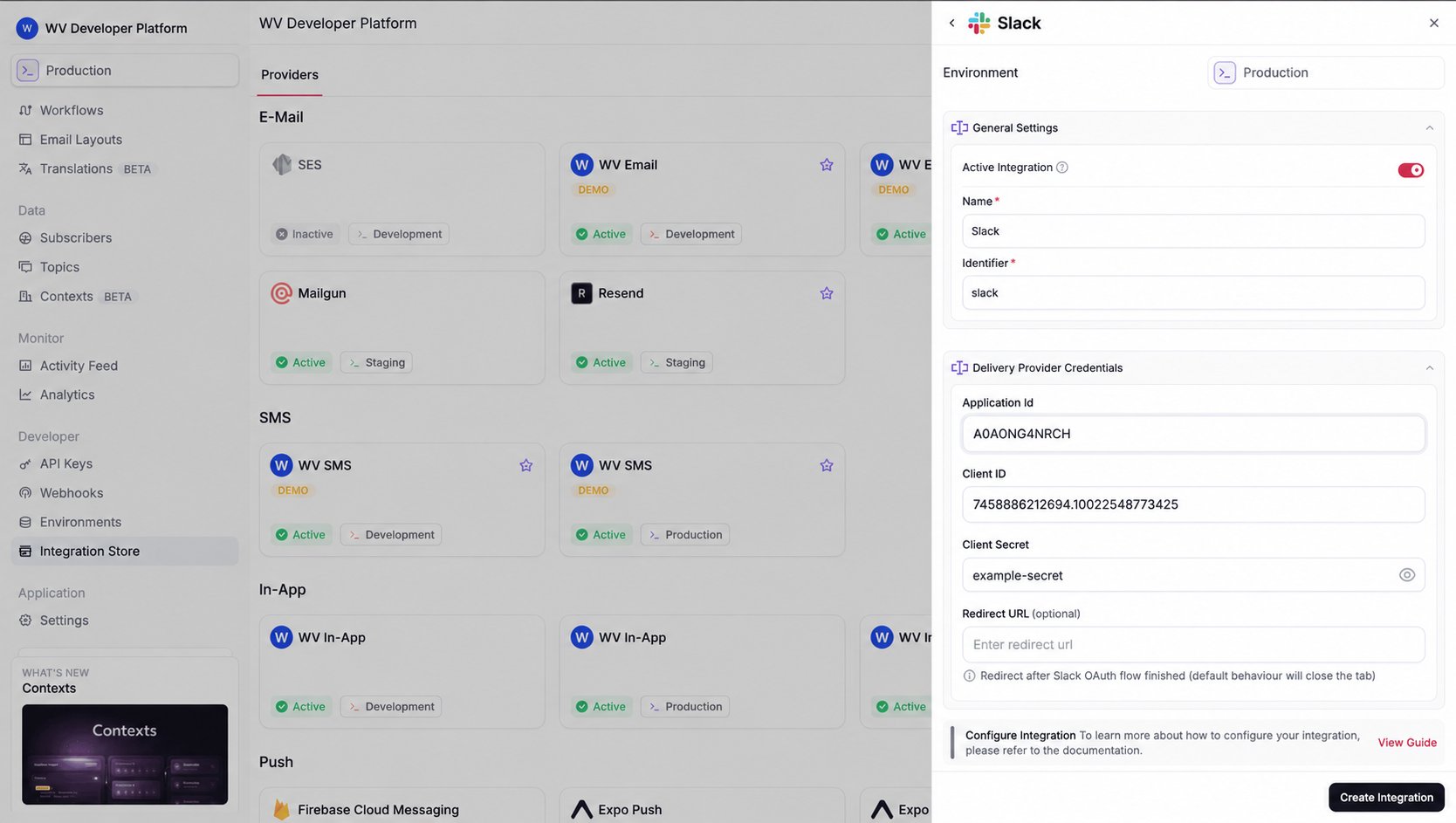
Open the Integration Store, select Slack under Chat, and create an active integration. Give it a clear name and identifier, such asslack-operations.
Register the destination
Create the subscriber first. From your backend, register a webhook endpoint on the Slack integration:Send notifications
Add a Chat step to your workflow, write the message, and trigger it for the subscriber whose endpoint you registered. Use Liquid variables such as{{payload.enquiryId}} to include the details your team needs.