
Notification lifecycle
A notification doesn’t exist in isolation, it’s the result of a sequence of interconnected entities working together. Here’s how it works in WorldVisa: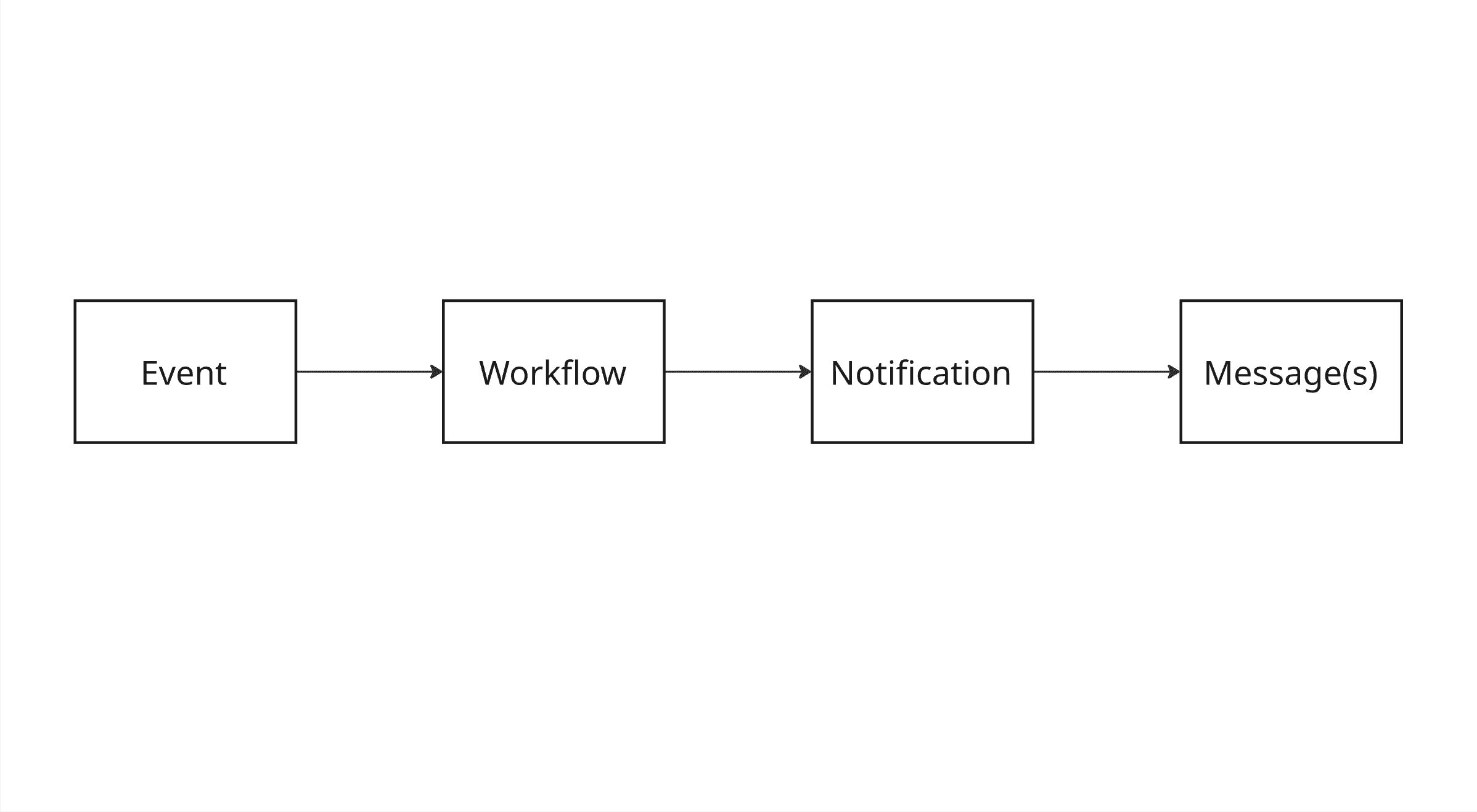
Event
Something meaningful happens in your application, such as a user signing up, a password reset being requested, or a comment being posted. You emit this event to WorldVisa using the Event Trigger API. Each event contains:- A name that maps to a specific workflow (user_signed_up)
- A payload with dynamic data
- One or more subscribers
- Optional overrides or metadata
Workflow
WorldVisa matches the incoming event to a predefined workflow. This workflow is your logic for determining:- What channels to use (email, in-app, SMS, etc.)
- What message templates to render
- When and how messages should be sent
Notification
Once the workflow starts executing, WorldVisa creates a notification for each subscriber involved. This notification acts as the central entity tracking everything that happens - every job, message, and delivery status. It includes:- The subscriber details
- The workflow (template) used
- The event payload
- Jobs executed
- Messages generated
- Delivery status updates and errors
In simpler terms, when a workflow is triggered to a subscriber, it creates an event. One event is one notification.
Message
Each channel step in the workflow results in one or more messages. These are the actual pieces of content sent to users’ emails, push notifications, SMS, and in-app alerts. Messages are live entities, tracked in real-time, with full visibility into:- Rendering logic
- Channel used
- Delivery status
- Provider responses or errors
Each message has a unique ID and status, learn more about this in the Messages API.
Notification structure
A notification in WorldVisa is more than just a message, it’s a full record of what happened from the moment an event was triggered to when one or more messages were delivered or failed to deliver. Each notification encapsulates a set of properties that describe its creation, context, execution, and result. These properties are essential for debugging, analytics, and tracking user communications.Notification properties
These fields are accessible via the Notifications API and are also displayed in the WorldVisa dashboard’s Activity Feed for visual traceability.
Frequently asked questions
These are some of the most frequently asked questions about notifications in WorldVisa.What is the difference between a notification and an event?
What is the difference between a notification and an event?
A notification is the result of an event. An event is the trigger of a workflow to a subscriber that causes a notification to be created.
What is the difference between a notification and a message?
What is the difference between a notification and a message?
One notification event can have multiple messages as per the workflow configuration. Messages are the actual “notification message” to the end user.